











Betting from a smartphone is convenient when you need to check odds, review a bet slip, or manage your account without opening a desktop browser. The Sportbet app brings these tasks into one mobile interface for Nigerian users, with access to available live and pre-match markets.
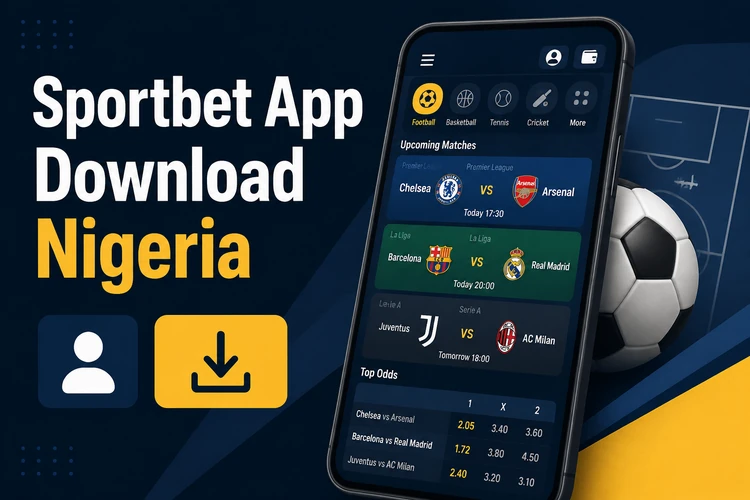
This guide explains how to download the Android file, check the source before installation, compare the standard and Lite editions, and use the core account features. It also covers compatibility, updates, and practical steps to take if installation does not complete.
What Is the Sportbet App
The Sportbet app is a mobile interface for sports betting in Nigeria. It is designed for touchscreens, so markets, odds, the bet slip, and account controls are arranged for smaller displays. Depending on the current version, the app may also provide match alerts and other notifications.
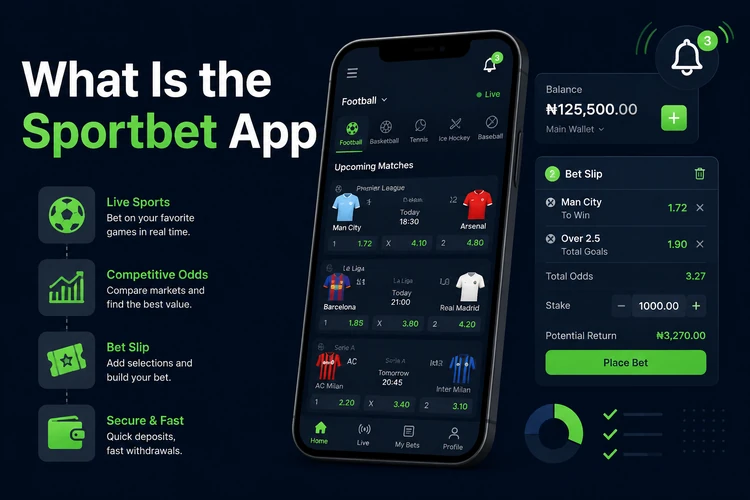
After signing in, you can normally review your balance, open available sports, select a market, and confirm a bet from the same session. Payment and verification options depend on the account and the services shown by the operator, so check the instructions on screen before confirming a transaction.
How to Download the Sportbet App
Use the operator’s official sport-bet-ng.com website as the starting point for the download. Open it on your Android phone and look for the app section or download prompt. Avoid advertisements, file-sharing pages, and unofficial mirrors because an altered file can expose your login details or contain unwanted software.
Before downloading, make sure the phone has enough free storage and a reliable connection. Android may ask you to allow installation from the browser or file manager you are using. Grant that permission only for the trusted download, and turn it off again after installation if your device provides a temporary permission option.
Understanding the APK Format
APK stands for Android Package Kit, the file format used to install an Android application outside an app store. If the official website supplies an APK, the file can be saved to the phone and opened from the notification panel or Downloads folder.
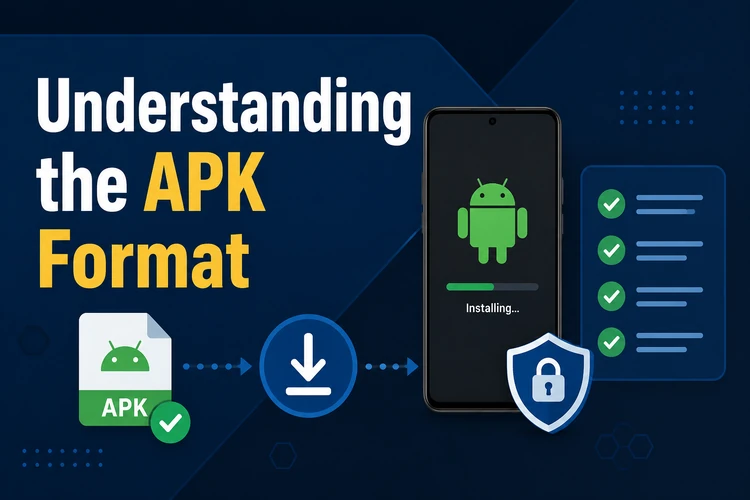
Do not install an APK simply because its file name resembles the app. Check that it came from the official website, review the permissions requested by Android, and cancel if the source or permissions seem unusual. Keep your phone’s security tools active, and delete an incomplete or duplicate download rather than repeatedly opening it.
Sportbet Lite Edition
The Lite edition is intended for phones with limited storage, slower connections, or modest hardware. A simpler interface and fewer visual elements can make scrolling and page loading more comfortable, although the exact functions depend on the version supplied by the operator.
Choose Lite if the standard application is slow or uses more space than your device can spare. It may still provide the main betting, account, and payment screens, but compare the menus after installation to confirm that the feature you need is available. You can sign in through the account login page with your existing credentials when the app requests them.
Core Features and Capabilities
The main screen usually groups available sports, fixtures, and markets so that you can move from an event to the bet slip with fewer taps. Live betting displays in-play markets when they are offered, while pre-match markets can be reviewed before an event starts. Odds can change quickly, so check the final price and selection before submitting.
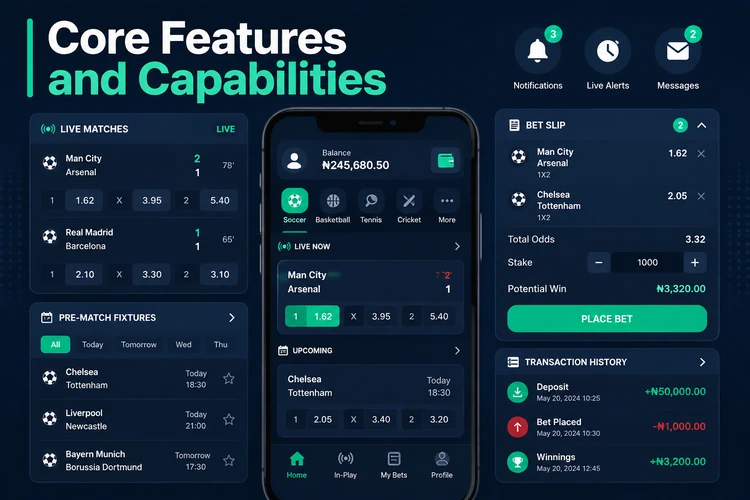
Account tools can include balance checks, bet history, profile details, notifications, deposits, and withdrawal requests. The available payment methods and processing times are shown in the account area and can vary by user or transaction. Review the amount, destination, and any confirmation message before completing a payment.
Notifications can help you follow a match or settlement, but they are not a substitute for checking the account history. Set a spending limit, avoid chasing losses, and take breaks. Users aged 18+ should review the site’s responsible gambling guidance before placing real-money bets.
Device Compatibility and Requirements
The app is intended for Android phones and may also work on tablets. Compatibility depends on the Android version, available storage, screen size, and the build currently offered. Check the download page for any stated system requirement rather than relying on an old APK or an unofficial compatibility claim.
A stable connection is needed to load markets, confirm bets, and process account actions. Wi-Fi is useful for downloading the file or a large update, while mobile data may be enough for ordinary browsing. Keep the operating system updated, close unused apps if the phone is short on memory, and do not use a rooted device for financial activity unless you understand the security risks.
Step-by-Step Installation Guide
The process is similar for the standard and Lite editions.
- Step 1: Open a trusted browser on your Android phone and visit sport-bet-ng.com.
- Step 2: Open the app section and choose the download option provided by the operator.
- Step 3: Wait until the APK finishes downloading before opening it.
- Step 4: If Android blocks the file, allow installation from that browser in Security or Privacy settings.
- Step 5: Open the completed file from Downloads or the notification panel.
- Step 6: Review the requested permissions and stop if they do not match the app’s purpose.
- Step 7: Tap Install, wait for the process to finish, and then open the application.
- Step 8: Log in or follow the displayed registration steps. You must be aged 18+ to use real-money betting services.
If installation fails, check free storage, confirm that the download completed, and make sure Android is allowing the browser to install the file. Restarting the phone can clear a temporary conflict. If the standard build remains slow, remove it only after confirming that you know your login details, then try the Lite edition from the official source.
FAQ
Open sport-bet-ng.com on an Android phone and use the download option provided in its app section. Save the APK, allow installation from the browser when Android requests it, and open the completed file from Downloads.
Safety depends on the source and the file. Use only the APK supplied through the operator’s official website, keep Android security features active, review permissions, and avoid third-party mirrors or modified files.
Lite is designed for older or lower-storage Android phones, but compatibility still depends on the Android version and the current build. Check the requirements shown on the official download page before installing it.
It may work on compatible Android tablets, although the layout and supported Android versions can vary. Confirm compatibility on the download page and test the display before relying on the tablet for account actions.
No. If you already have an account, use the same credentials in the app. New users should follow the registration fields displayed by the operator and provide only the information requested on that form.
Download the latest APK from the official website and install it over the existing version when an update is offered. If the app freezes, clear its cache, restart the phone, check storage, or try the Lite build. Keep your login details available before removing an existing installation.